

Running on NSG#
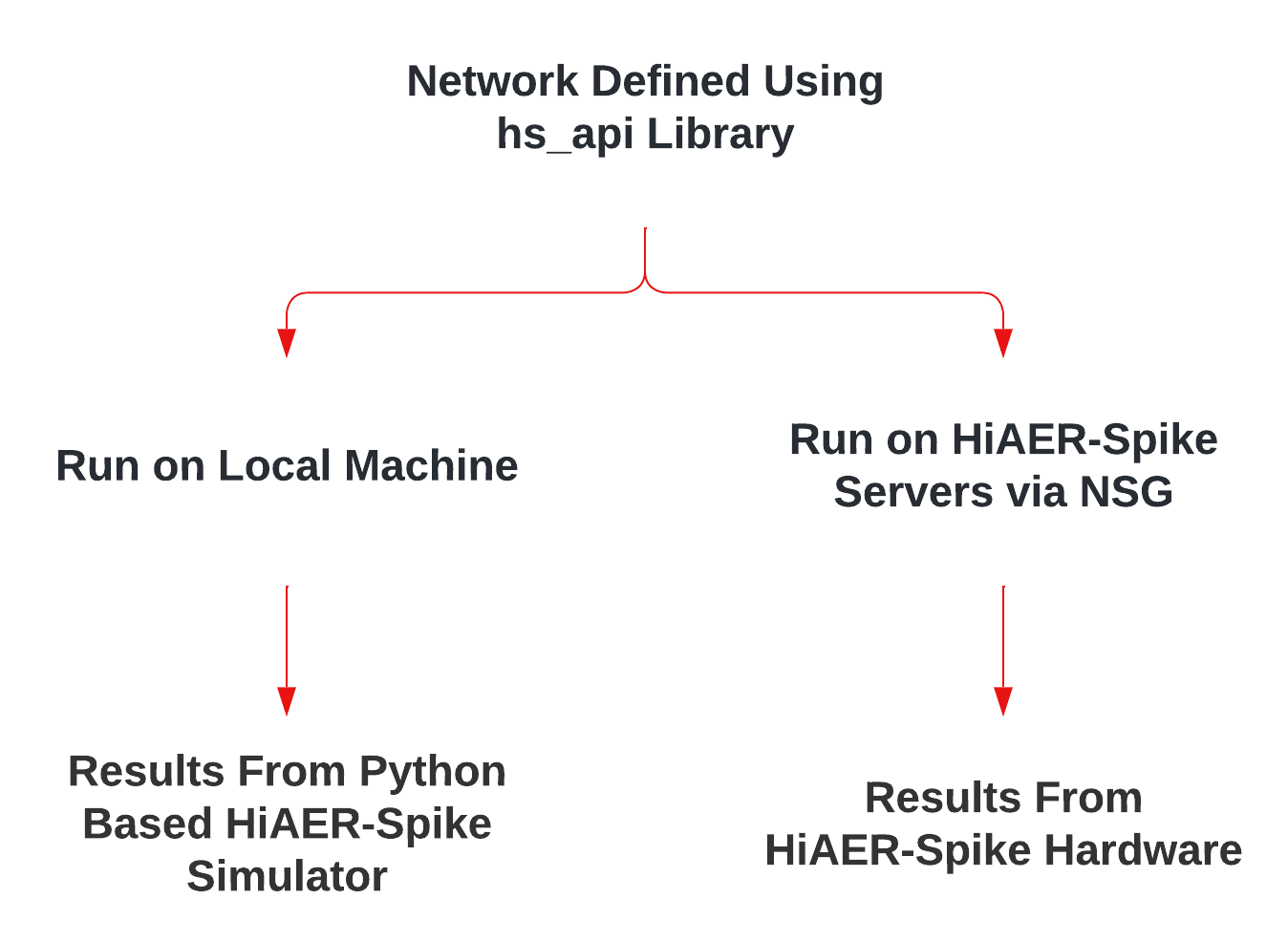
Jobs can be debugged and simulated on a users work station using the provided simulator, then once ready can be run on the HiAER-Spike hardware by submitting a job over the Neuroscience Gateway. (NSG). Users can register for an account here.
Creating Job Data#
Place your Python script in a folder and zip it
Create a Folder#
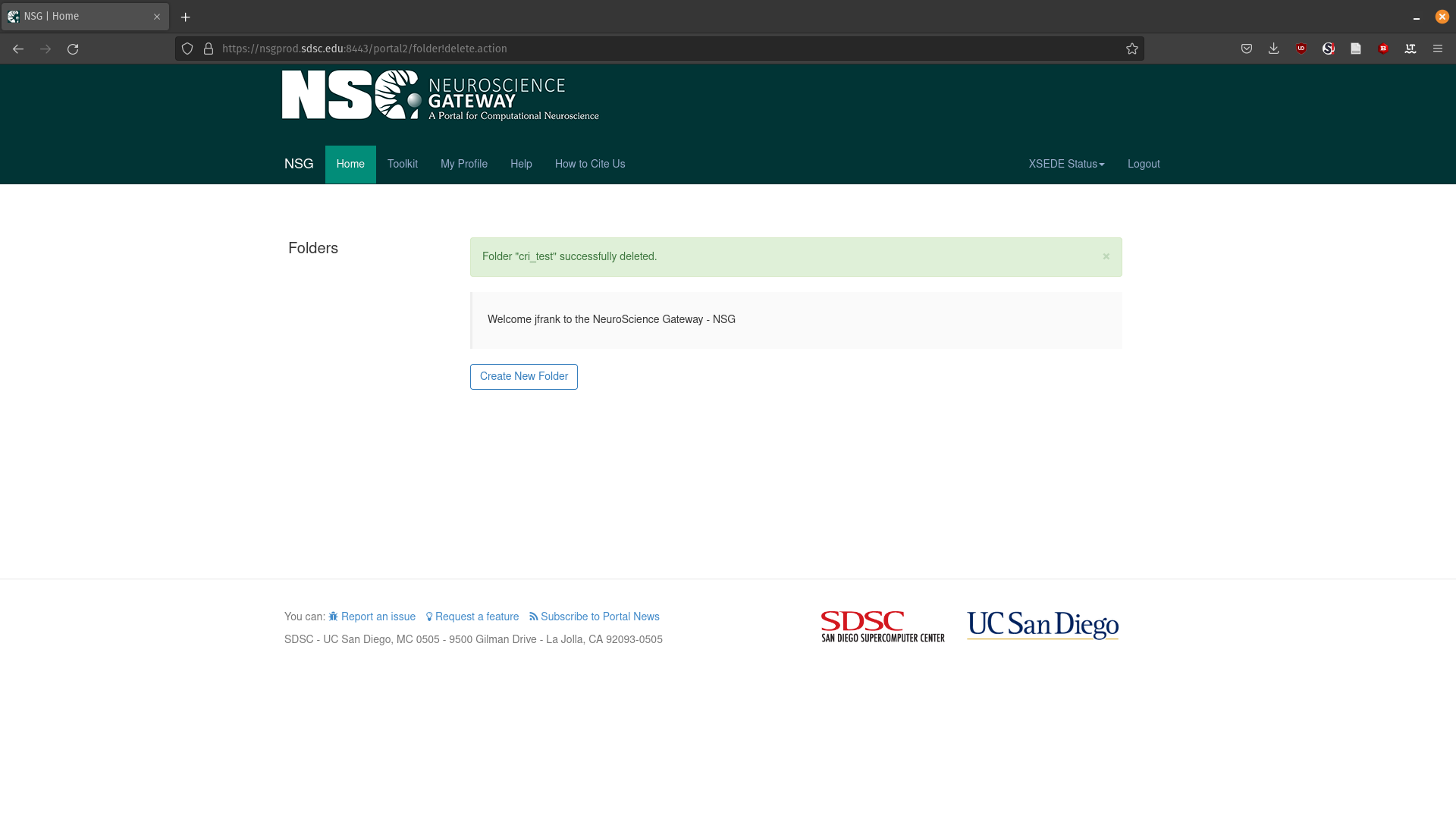
Create a task folder if there is none listed on the upper left. Task folders are a place to hold related jobs
Upload Data#
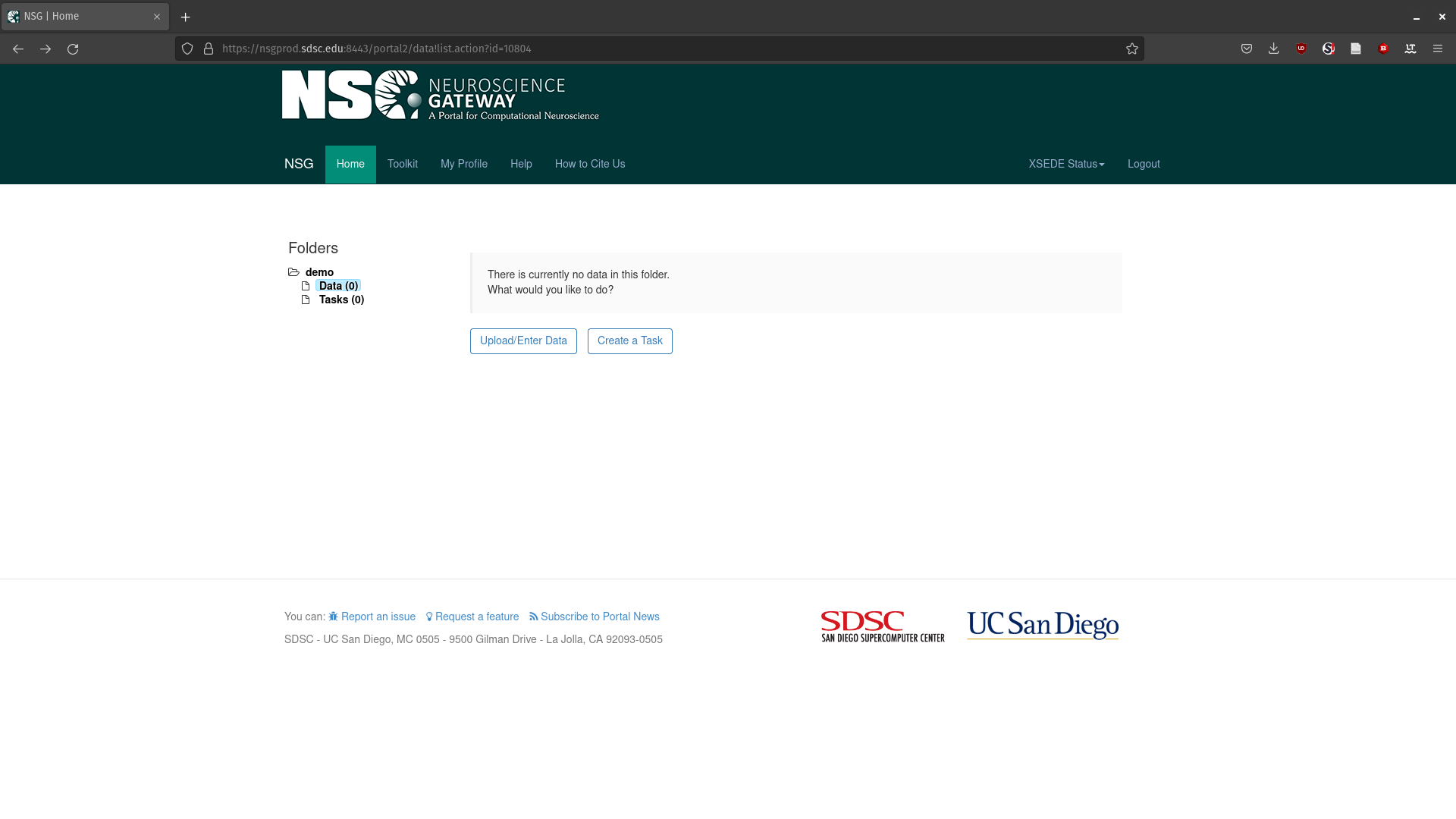
Click on Data on the upper left
Click Upload/Enter Data
Upload the zip containing your Python script
Create a Task#
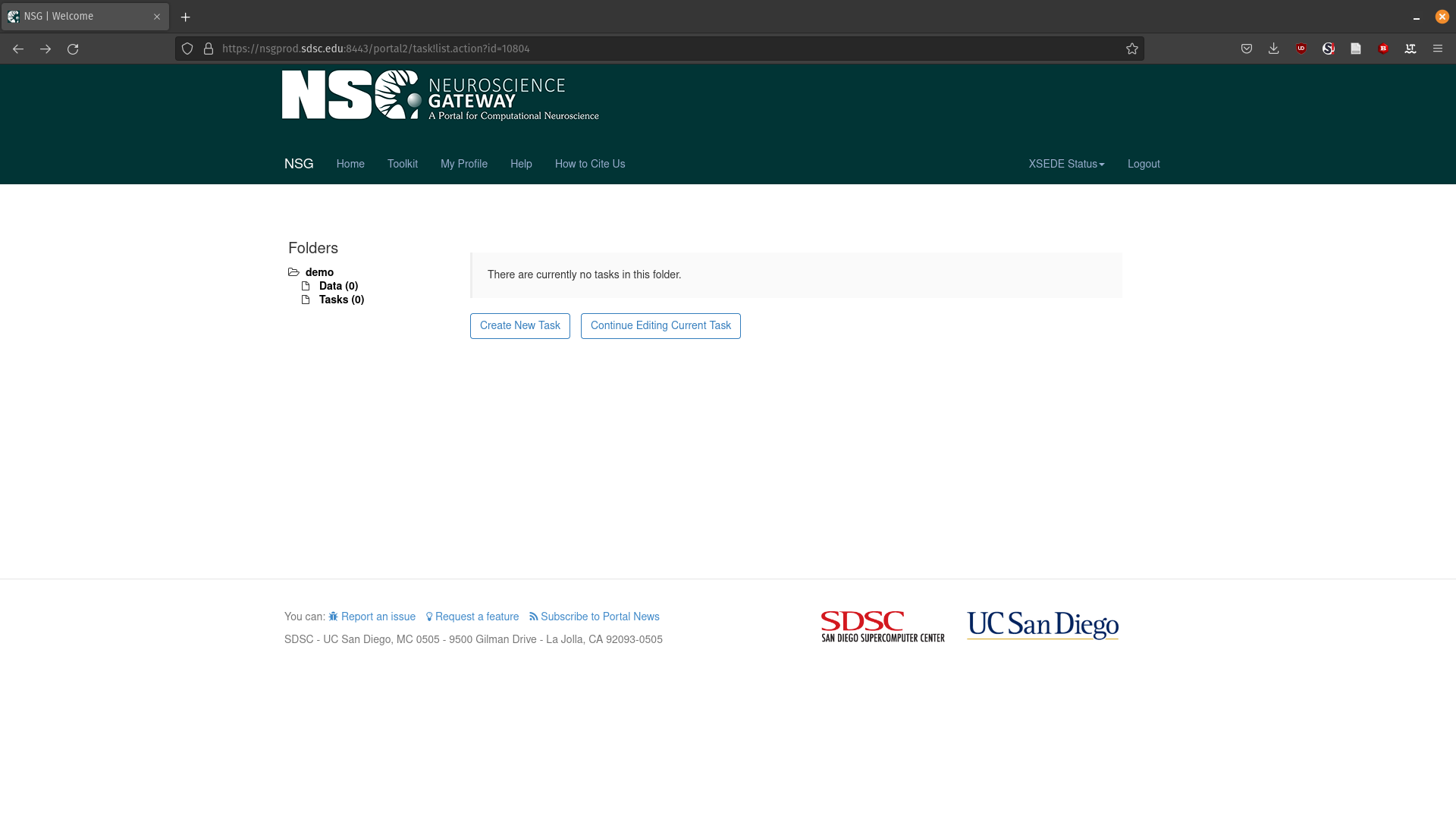
Click Tasks on the upper left
Click Create New Task
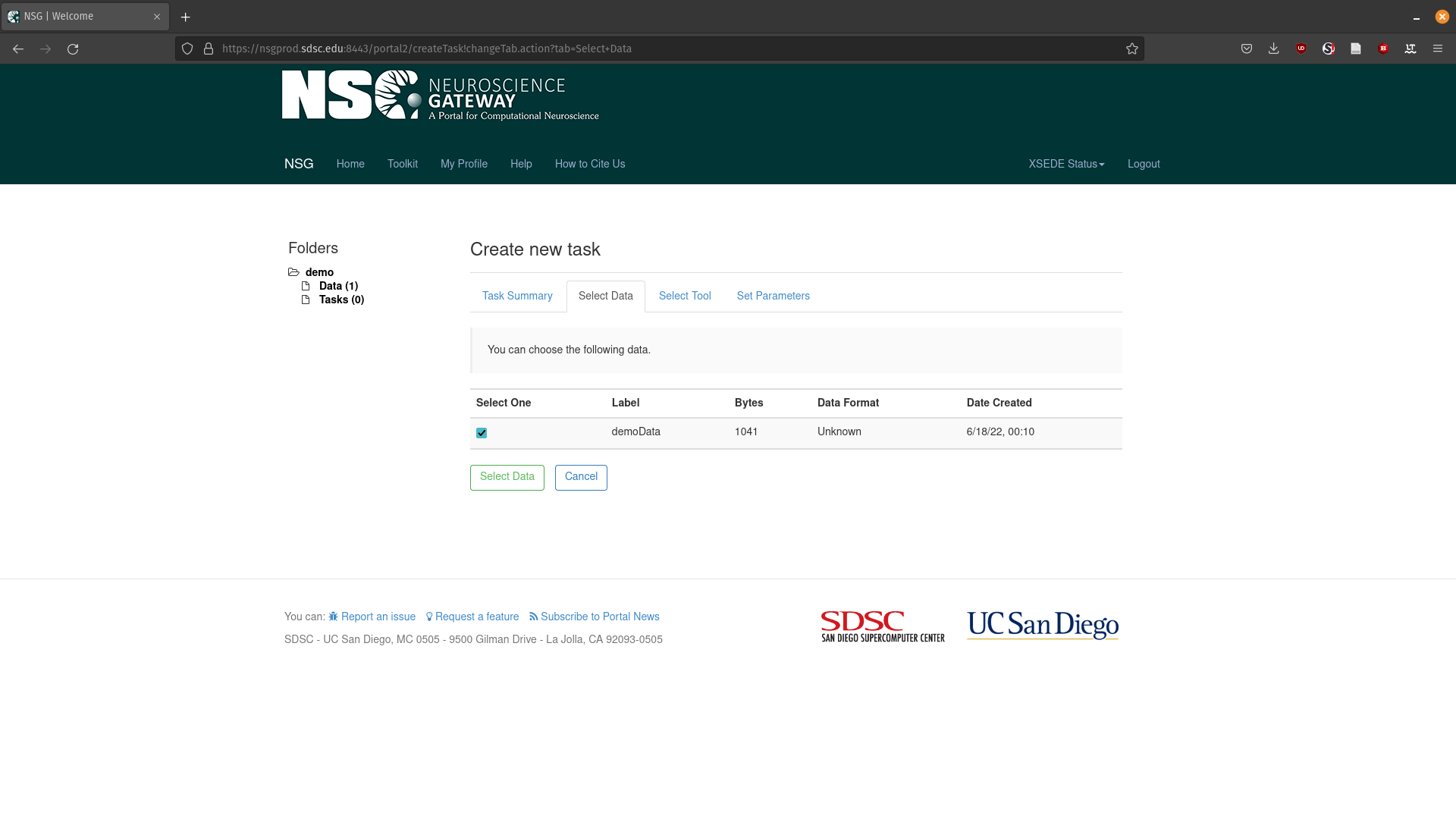
Select Data#
Click Select Input Data
Select the zip file you previously uploaded
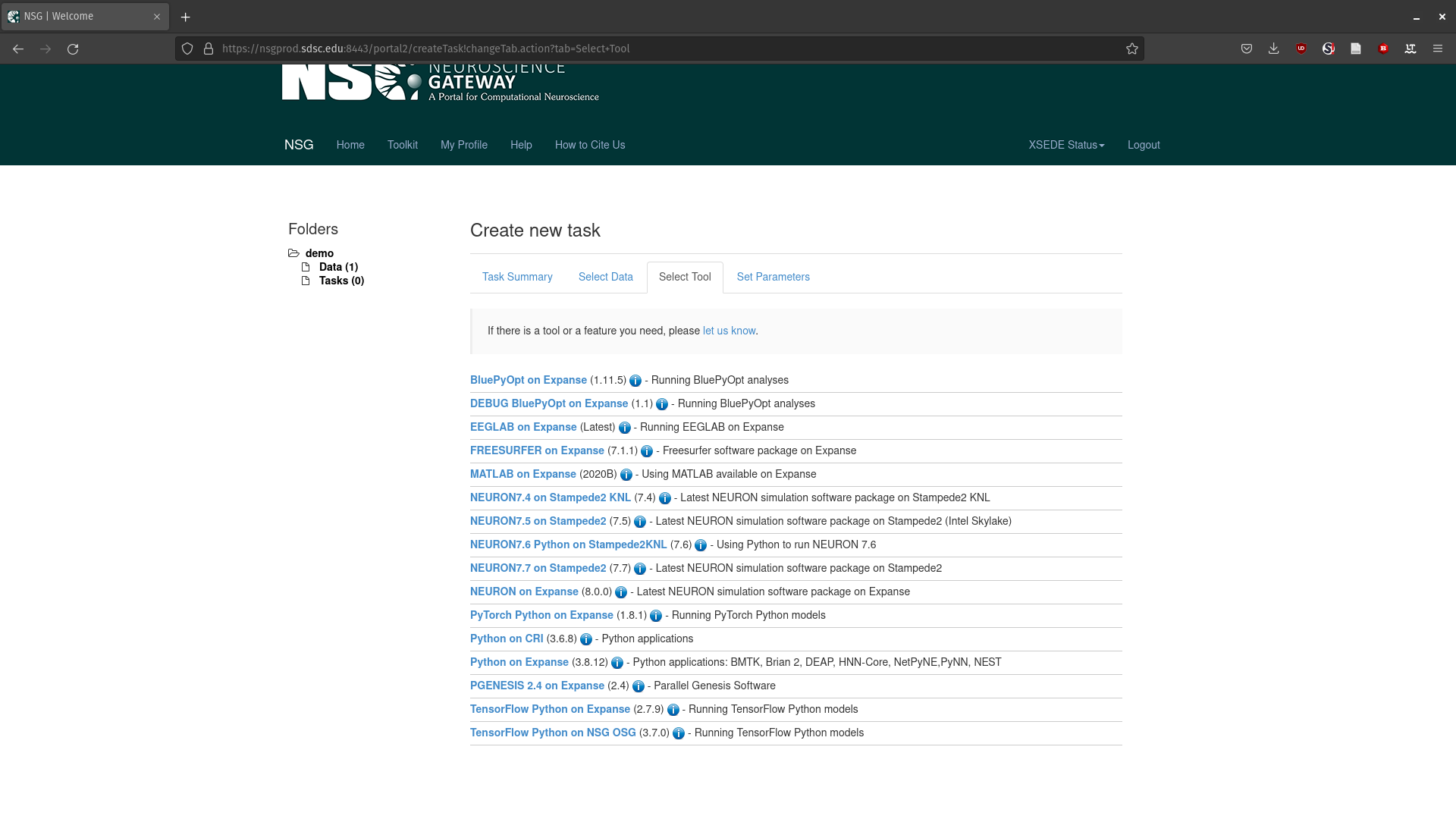
Select the tool#
Click Select Tool
Click Python on CRI
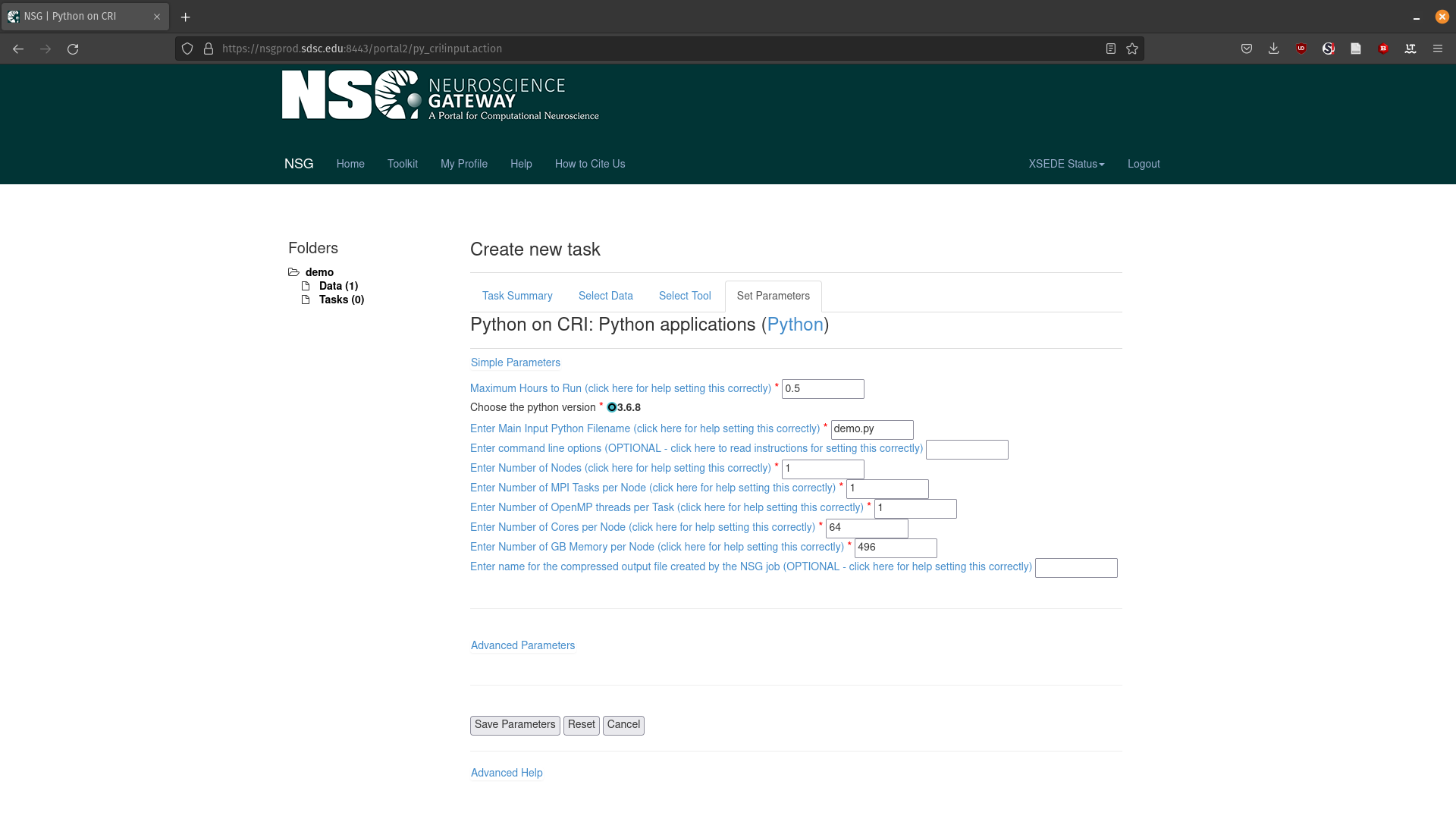
Select Parameters#
Click 8 Parameters Set
Make sure Enter Main Input Python Filename corresponds with the name of your python script
Set the other parameters appropriately
Click Save Parameters
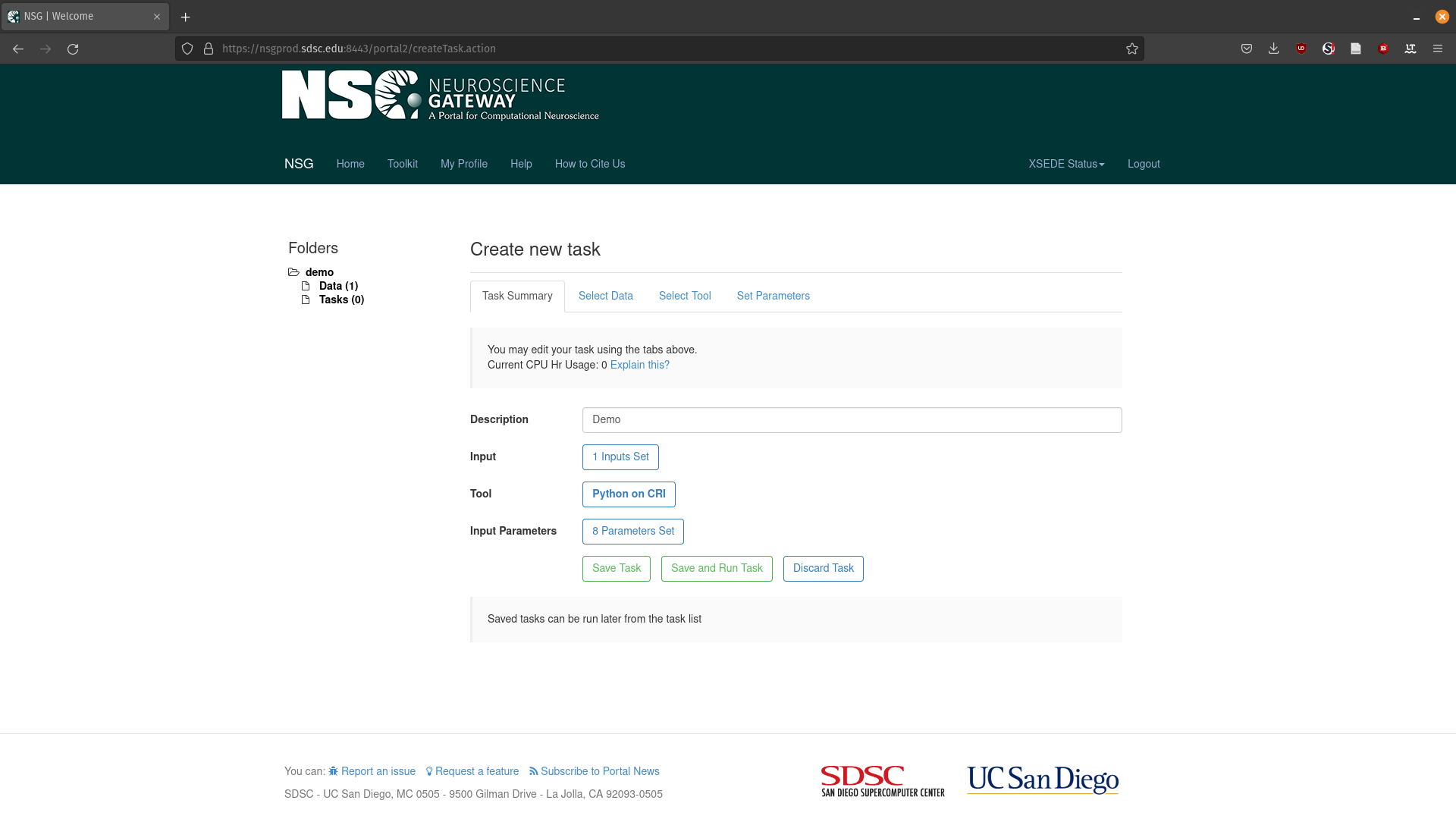
Run Task#
Click Save and Run
Click OK on the popup
Your job has been submitted and you’ll get an email when your job is complete!
Downloading Data#
Once your job is complete you can download the resulting data
Click on your tasks name under the Label column
Click output
Download output.tar.gz
